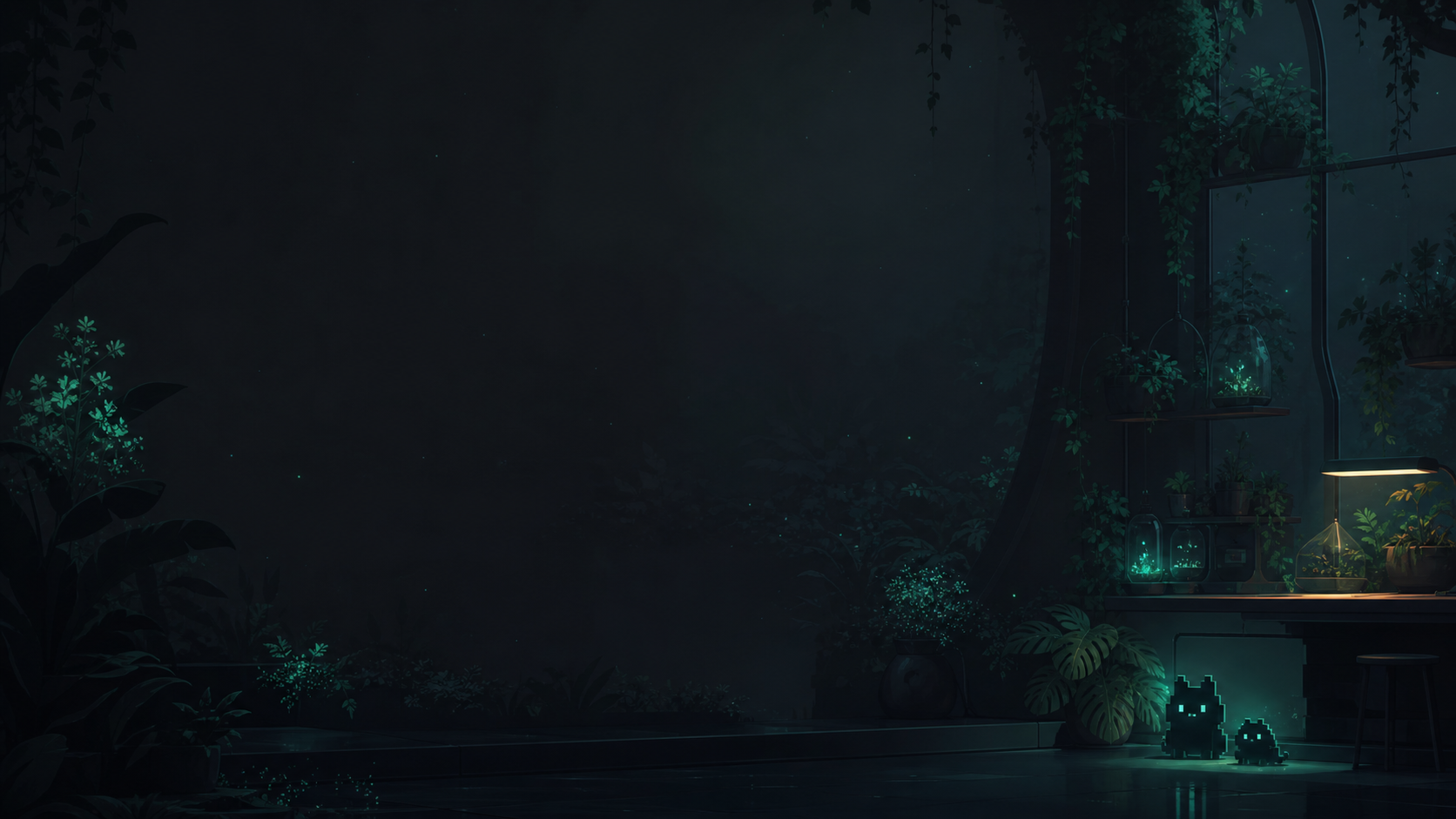
Canvas
Wide 16:9
Aim for 1920×1080 or larger so wide terminal windows crop cleanly.
Codex background workshop
Choose your system, then use a sample, your own image, or an AI-generated scene. Get one safe setup prompt without modifying the Codex Desktop app.
Background setup
Everything you choose stays in this panel.
System
Supports JPG, PNG, and GIF in an isolated Codex Pets profile.
Image source
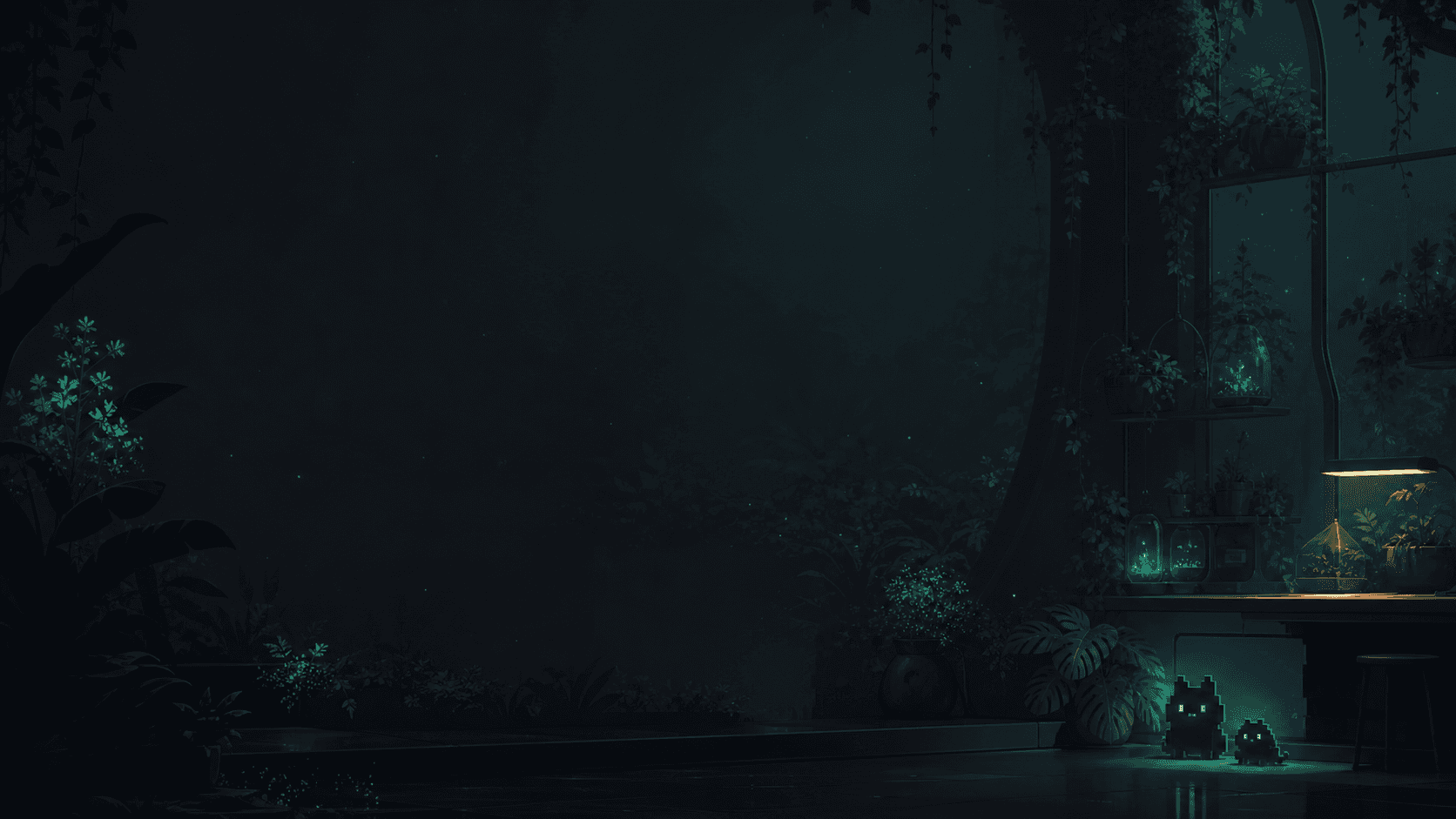
Verified starter background
FormatThe prompt opens for review. Nothing runs automatically.
Prepare the canvas
These are practical recommendations, not arbitrary upload gates. Codex can crop, darken, compress, or extract a still frame before installing your image.
Canvas
Aim for 1920×1080 or larger so wide terminal windows crop cleanly.
Readability
Keep the central 60% dark and low-detail; place pets near an outer edge.
Weight
Prefer PNG or JPEG below 5 MB; keep source uploads at or below 10 MB.
Motion
Use short low-frame-rate loops on Windows; avoid flashes and fast movement.
Visual walkthrough
The walkthrough follows the same isolated Windows path we verified locally.
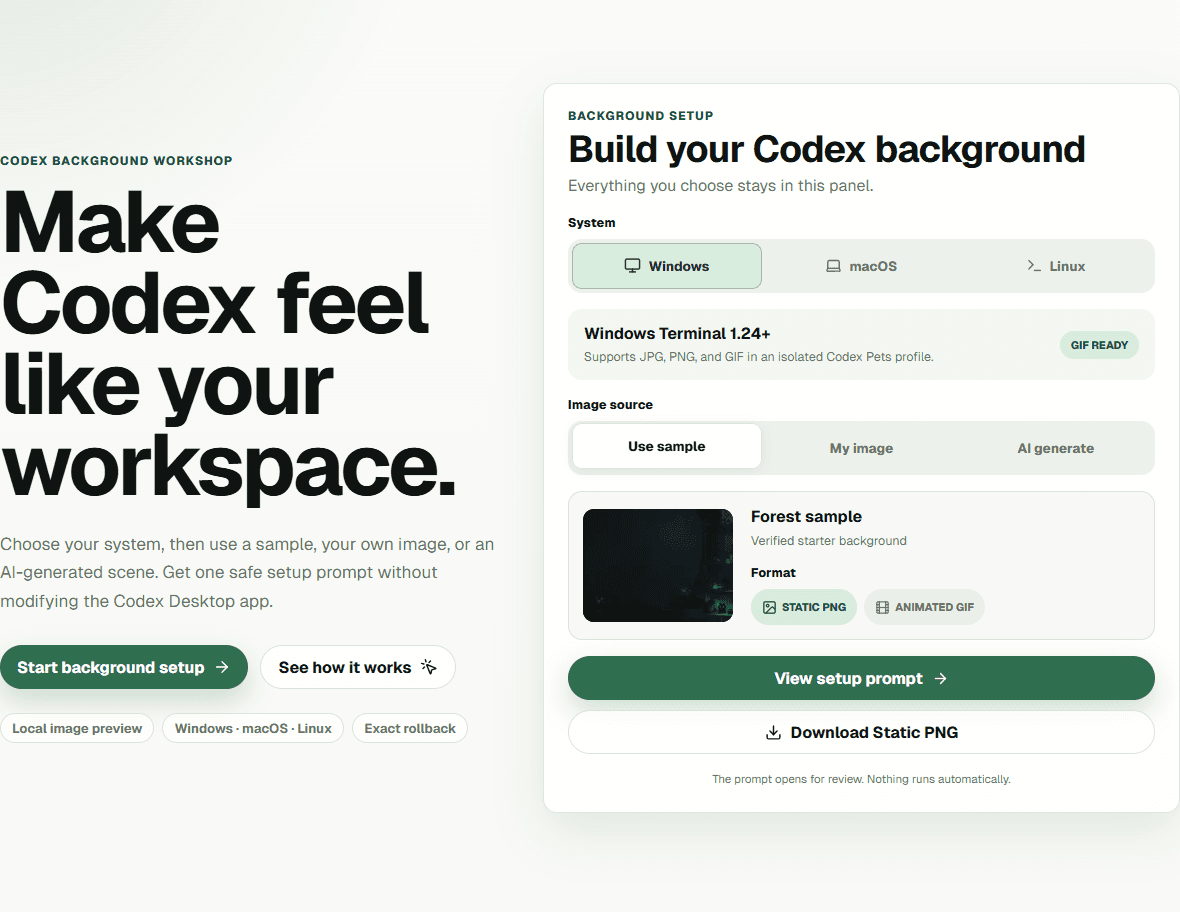
Pick Windows, macOS, or Linux first, then use our sample, a local file, or a pet-inspired brief.
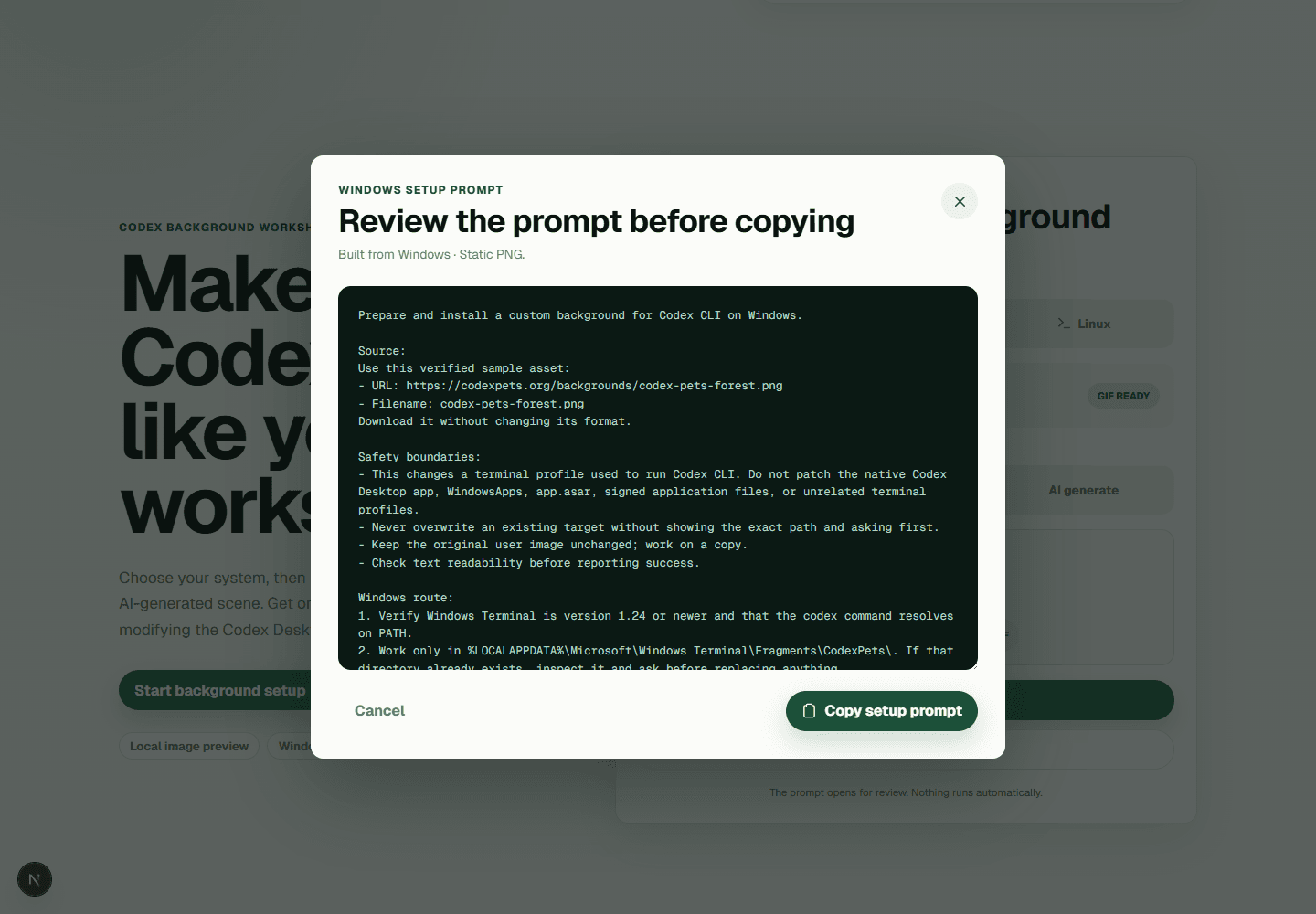
Attach your local image when needed, then let Codex prepare and install a safe copy.
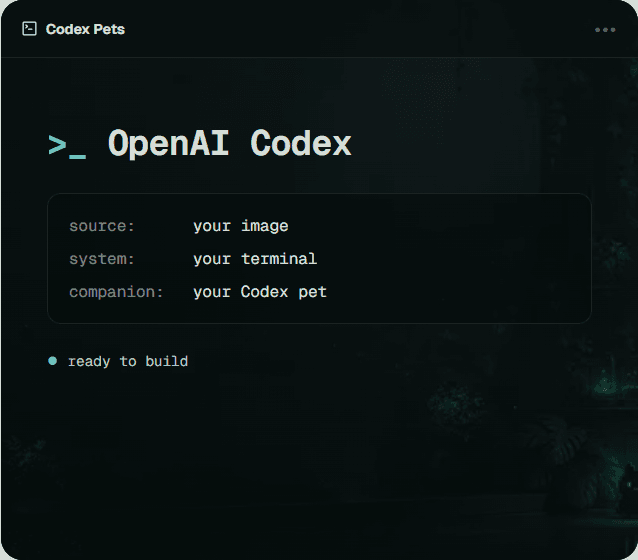
Configuration checks are not enough. Codex must open visibly with readable text and the background.
Platform routes
Each path isolates the theme from the user's existing terminal setup.
Locally verified
JPG, PNG, and GIF through a dedicated JSON fragment. This is the full animated path.
Windows specificationGuided setup
Prepare a static image, duplicate a profile, then choose it under Profiles → Text → Background.
Apple profile guideIsolated config
Prepare a static image and launch Codex with a standalone kitty configuration directory.
kitty background guidePet-first ideas
The generator includes four editable starting points: Tater in a warm workshop, Pixel Corgi in a restrained night arcade, Capybara Coder in a rainy library, and Mochi in a moonlit garden. They are prompt templates, not a prebuilt theme catalog.
Reusable formulaPet + quiet environment + edge placement + calm center + dark readable palette
Know the boundary
The current native Codex Desktop theme format controls colors, contrast, fonts, and window opacity, but it does not expose an arbitrary background-image field. Community Desktop skin tools can add images on compatible builds, but their renderer-injection path is version-sensitive.
Windows Terminal officially supports JPG, PNG, and GIF backgrounds per profile. That gives Codex CLI a stable, promptable route without modifying the signed Codex package.
Codex can generate or edit an image when image tools are available. The workshop keeps a clear fallback: attach your own file or prepare the image elsewhere, then reuse the same installation prompt.
Read the Windows Terminal background specificationBackground FAQ
Yes. Choose a local JPG, PNG, or GIF in the workshop, then attach that same file to Codex after copying the prompt. Codex Pets previews it locally and does not upload it to our server.
Use a wide 16:9 composition, keep the central 60% calm and low-detail, avoid bright highlights behind text, and aim for a static file below 5 MB. Subtle movement works better than fast animation.
Yes when image-generation tools are available in your Codex session. The workshop creates a complete creative brief and tells Codex to stop with a clear fallback when image generation is unavailable.
No. The supported route runs Codex CLI inside a terminal profile. It does not patch the signed Codex Desktop package, WindowsApps, app.asar, or other application files.
Not directly in Windows Terminal. Convert a short, subtle clip to GIF for the Windows path. For macOS and Linux, this guide prepares a static still for the most predictable readability and performance.
Each generated prompt creates an isolated profile or configuration directory and includes its exact rollback path. Remove only that named profile or folder after closing the themed terminal window.